
Remote Console
The remote console puts you in front of your server from anywhere: its screen and keyboard, in a browser tab. It works even when the operating system is down, so it is the first thing to try when a server is unreachable over SSH.
Open the console
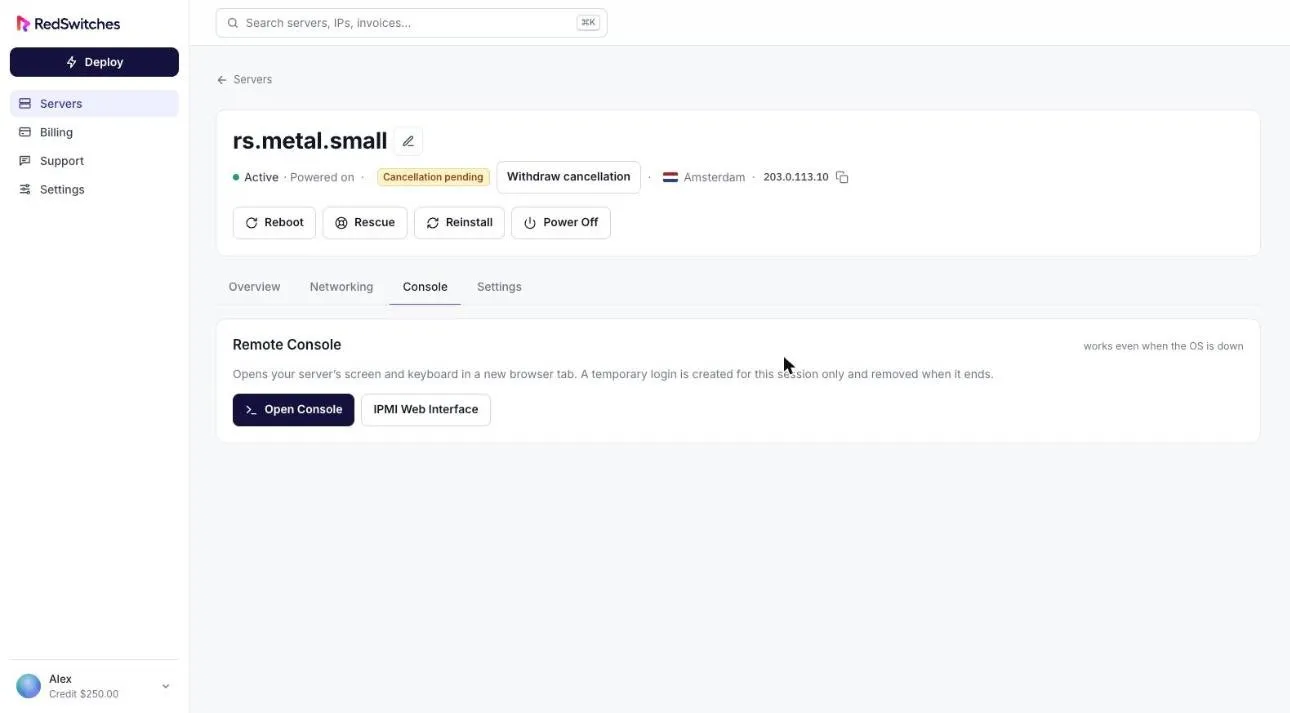
Section titled “Open the console”- Open the server and select the Console tab.
- Select Open Console.
The console opens in a new browser tab. A temporary login is created for that session only and removed when it ends.
IPMI web interface
Section titled “IPMI web interface”Select IPMI Web Interface on the same tab to open the server’s management interface.
Availability
Section titled “Availability”The Console tab appears on servers that support it. If your server does not show it, open a support request.