Dedicated vs Cloud Servers: Choosing the Right Infrastructure
Cloud or dedicated? Your choice directly impacts performance, cost, and control. This guide helps you pick the right setup for your workload and growth.
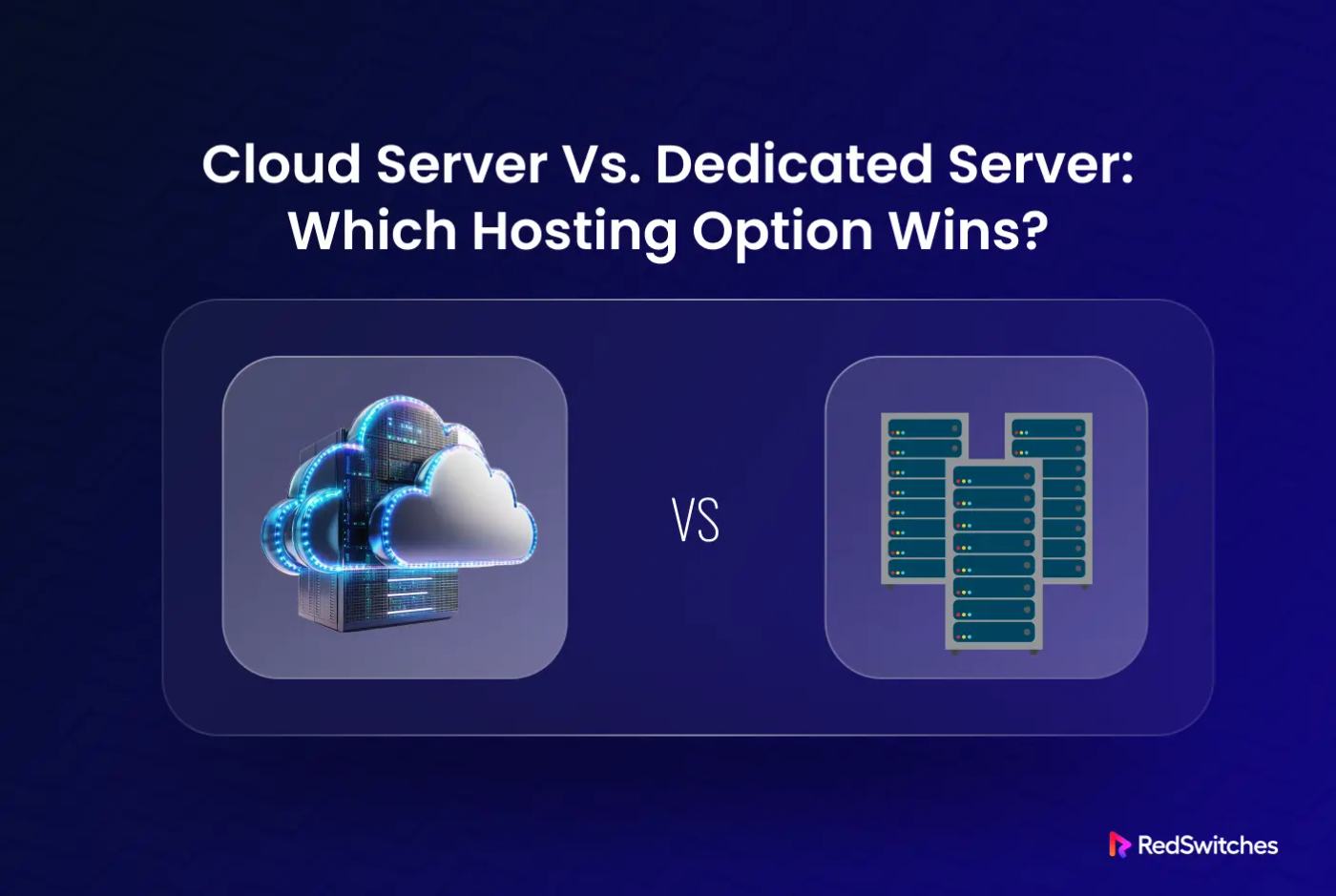
A dedicated server is a physical machine that’s fully dedicated to a single user. You get total control over the hardware, software, and resources. No sharing. No surprises.
A cloud server is a virtual machine that runs on shared physical infrastructure. You pay for what you use, and you can scale resources up or down quickly.
Choosing the right setup isn’t just about tech; it affects your costs, speed, uptime, and compliance. Many teams assume that cloud servers are the go-to solution. They’re not.
Not every business benefits from shared environments or hourly pricing. Dedicated servers are far from outdated; they remain the top choice for raw performance and full control.
This guide is built for SMBs, CTOs, DevOps teams, startups, and anyone working in a space where infrastructure decisions directly impact growth and reliability.
Dedicated Server Vs Cloud Server: Detailed Feature Comparison
| Feature | Cloud Server | Dedicated Server |
|---|---|---|
| Hosting Type | Runs on shared physical infrastructure with virtual machines. | Runs on a physical machine that’s fully dedicated to a single user. |
| Deployment Time | Ready in seconds with pre-built templates and automation. | Takes hours or days, depending on setup and customizations. |
| Performance | It can fluctuate based on shared usage and network congestion. | Delivers consistent high performance with no resource sharing. |
| Cost Model | Billed by usage, great for short-term or changing needs. | Fixed monthly pricing makes it easier to budget over time. |
| Scalability | Easy to scale up or down instantly based on traffic needs. | Requires manual upgrades or hardware changes to scale. |
| Security | Shared environment with isolation layers built in. | Single-tenant setup ensures complete data isolation. |
| Control | Limited access, especially in public cloud environments. | Full control over OS, apps, and security settings. |
| Compliance | This depends on the provider’s tools and the setup of their shared environment. | Easier to meet strict standards like HIPAA or GDPR. |
| Downtime Risk | Low, thanks to built-in redundancy and failover systems. | Higher if unmanaged, unless backed by redundant hardware. |
Performance & Latency
Cloud Servers Add Latency
Your data passes through a hypervisor and then through shared storage, such as SANs. Add in east-west traffic between virtual machines, and you introduce micro-delays that can impact performance, especially under load.
Resource Sharing Can Slow You Down.
Cloud environments often host multiple users on the same hardware. If another tenant spikes CPU or bandwidth usage, your app may experience lag. You’re not in full control.
Dedicated Servers Eliminate Overhead
With no hypervisor or shared I/O, you get direct access to the CPU, RAM, and storage. Servers today offer up to 100 Gbps unmetered bandwidth, low-latency SSD or NVMe storage, and sub-5ms response times across edge deployments.
Ideal for Performance-Critical Workloads
Real-time trading, low-latency APIs, and AI inference tasks demand consistent IOPS and direct hardware access. Workloads like high-frequency trading especially benefit from this level of performance.
Bottom line: When milliseconds (or microseconds) matter, dedicated hardware wins, every time.
Cost Efficiency
Cloud Seems Cheaper, Until It’s Not
The hourly pay-as-you-go model feels flexible, but costs escalate fast, especially when you’re billed for bandwidth overages, high-performance storage, or unexpected auto-scaling events. Egress fees alone can inflate your bill significantly for 24/7 or data-heavy workloads
Scaling in the Cloud Isn’t Free
All dedicated server plans come with transparent pricing, custom hardware builds, and full root access, regardless of bandwidth tier. Enterprise clients often benefit from discounted, longer contract terms and managed services.
Dedicated Servers Offer Predictable Pricing
Unlike cloud, dedicated hosting comes in several pricing models that fit your traffic profile:
- Metered bandwidth plans: These include a fixed bandwidth allowance (e.g., 10 TB/month). They work well for low-traffic or internal apps. These options range from 1 Gbps to 10 Gbps connections, ideal for controlled usage scenarios.
- Burstable bandwidth servers: These let you use higher bandwidth temporarily and are billed based on peak usage, useful for seasonal workloads.
- Unmetered dedicated servers: These give you flat monthly pricing with no bandwidth caps or throttling, even at 10 Gbps, 25 Gbps, 40 Gbps, or 100 Gbps. You can stream, sync, or deploy bandwidth-heavy apps without worrying about surprise bills.
Long-Term Savings Add Up
Steady workloads or always-on applications often make dedicated hosting more economical over months, thanks to fixed-cost plans and unmetered usage.
Vendor Lock-in Is Real
Migrating cloud providers typically involves complex infrastructure changes. In contrast, dedicated hosting gives you OS-level control, custom ISO support, and easier migration across 20+ global data centers.
Bottom line: If stability and scale matter, dedicated wins on cost over time.
Scalability
Cloud Servers Scale Fast
You can add or remove CPU, RAM, or storage in seconds. Auto-scaling lets your app handle burst traffic without manual input. It’s ideal for unpredictable workloads or seasonal spikes.
Elasticity Has Its Trade-Offs
With cloud, you don’t just scale; you pay for it. Sudden surges in usage can trigger higher bills. You’re reacting, not planning.
Dedicated Servers Scale Differently
Scaling takes longer, but you get full control. You can add high-core CPUs, more RAM, or GPUs as needed. Many setups support Intel Xeon or AMD EPYC processors, up to 1 TB RAM, NVMe SSDs or RAID storage.
You Avoid Over-Provisioning
With proper planning, there’s no guesswork or over-provisioning. You scale based on workload demand, not provider automation. This helps maintain performance without unpredictable costs.
Pro insight: Scalability isn’t just about speed. It’s about control over what scales and how.
Customization & Root Access
Dedicated Servers Give You Full Control
You choose the OS, install custom kernels, configure RAID, and tune BIOS settings to your needs. You can even run bare-metal scripts or integrate GPUs likeA100, L40S, or H200 for AI, rendering, or high-performance compute.
Cloud Limits Your Control
Most providers only offer prebuilt images, predefined specs, and access through vendor APIs. You can’t fine-tune the hardware. No BIOS. No deep system-level changes.
Templates Can’t Support Every Use Case
Need a specific Linux kernel? Want PCI passthrough for virtualized GPUs? Require a custom RAID-10 NVMe array or FPGA integration? You’ll likely hit cloud constraints fast.
Dedicated Servers Remove Those Limits
You get full root access, custom ISO support, BIOS-level control, and the ability to deploy hardware-specific workloads with no restrictions.
Security & Compliance
Cloud Follows a Shared Responsibility Model
The provider secures the infrastructure. You’re responsible for the OS, apps, and data. Your server runs on shared hardware, isolated by a hypervisor, but still sharing physical space with others.
Dedicated Servers Give You Full Isolation
Your infrastructure runs on bare metal with no other tenants. No hypervisor, no virtualization layer. This makes it ideal for sensitive data, especially in industries like finance, healthcare, and government.
Compliance Is Easier on a Dedicated
Dedicated environments allow full control over encryption methods, firewall rules, access policies, and backup strategies. Meeting requirements like HIPAA, PCI-DSS, or GDPR becomes simpler when you’re not relying on shared systems.
- Real-world risk. In 2023, a misconfigured cloud hypervisor led to a cross-tenant data exposure incident. Even “isolated” cloud workloads aren’t immune to human error at the provider level.
- Bottom line If compliance and control matter, dedicated is the safer bet.
Uptime & Redundancy
Cloud Has Built-in Failover
Virtual machines automatically migrate between healthy nodes. Backups are distributed. Most downtime events are resolved without user intervention.
Dedicated Servers Require Planning
You need to design your RAID levels, hot spares, failover paths, RTO/RPO targets, and DDoSmitigation. That means no hidden SLAs, and no guessing when systems recover.
Redundancy Isn’t Free, but It’s Yours
Decide exactly how to mirror data, where to back it up, and how to test disaster recovery. You’re not locked into a vendor’s recovery logic or shared cluster behavior.
Pro tip Pair a dedicated server with cloud-based DR. You get raw performance and full control, plus fast failover if needed.
Deployment Speed
Cloud Servers Are Near-Instant
Prebuilt images, automation scripts, and API provisioning let you spin up instances in seconds. Ideal for testing, short-term projects, or rapid scaling.
Dedicated Takes Longer, but Not as Long as You Think
Physical hardware needs racking, OS installation, and stress testing. But at RedSwitches, many prebuilt instant servers are deployed in as little as 10 minutes, depending on your configuration.
You’re Not Waiting Days Anymore
And once it’s live, it’s all yours, with no neighbors and full control.
Management Overhead
Cloud Solutions Are Easier to Implement Out of the Box
Dashboards, automation tools, and managed services are built in. Small teams don’t need a sysadmin to get started.
But Dedicated Doesn’t Mean DIY
You can opt for fully managed dedicated servers that include monitoring, patches, updates, and backups. You still keep total stack control, but with support when you want it.
You Don’t Have to Trade Control for Simplicity
With managed dedicated hosting, your team can stay lean without sacrificing performance or customization.
Pro tip Choose managed dedicated to offload complexity without losing power.
Use Case Scenarios: What Works Best Where
| Scenario | Recommended Option | Why |
|---|---|---|
| Rapid AI prototype or MVP | Cloud | Fast launch, pay-as-you-go GPU access, and low initial investment. |
| Web3validator orblockchainnode | Dedicated | Full root access, consistent uptime, and bare-metal control for staking, RPCs, and consensus participation. |
| Decentralized storage network (e.g. IPFS, Filecoin) | Dedicated | Ensures data availability, uptime, and high-throughput disk I/O. |
| On-chain analytics for DeFi apps | Hybrid or Dedicated | Requires high IOPS for querying blockchain data and fast access to full nodes. |
| GenerativeAImodel training (LLMs, diffusion) | Dedicated | Demands high-end GPUs, custom tuning, and consistent performance. |
| Real-timehigh-frequency trading (HFT) | Dedicated | Ultra-low latency and CPU determinism with hardware-level tuning. |
| Streamingplatform backend (e.g. live sports, events) | Dedicated | Handles concurrency spikes and large bandwidth without overages. |
| Healthcare data lake withcompliance(HIPAA, GDPR) | Dedicated | Enables strict data residency, audit trails, and secure backups. |
| Fintech fraud detection pipeline | Hybrid | Use cloud for scale-out pattern detection, and dedicated servers for secure data processing. |
| Seasonal government app (e.g. tax e-filing) | Cloud | Auto-scaling absorbs demand bursts; no idle costs off-season. |
Hybrid Infrastructure: The Overlooked Middle Path
A hybrid infrastructure combines dedicated servers and cloud servers into a single environment. It’s a setup where you use the cloud for flexibility and speed, while relying on dedicated hardware for control and performance. This model works well for real-world applications that can’t afford to compromise on either.
Take a SaaS platform, for example. You might deploy the frontend and API layer in the cloud to handle variable traffic. At the same time, you run your backend, like the database, app logic, or AI workloads, on dedicated servers. This provides scalability at the edge and stability at the core.
You can route traffic with cloud-based load balancers and direct requests to your dedicated infrastructure, allowing users to remain unaware of the difference. Tools like Terraformand Ansible let DevOps teams manage both environments in one place. Same workflow, broader control.
Hybrid setups aren’t just flexible, they’re practical. If you’re running complex stacks or scaling fast, this path gives you room to grow without giving up performance.
Disaster Recovery & Business Continuity
Cloud servers come with built-in redundancy. Failover is automatic. Backups happen across zones. Recovery is fast and usually preconfigured by the provider.
With dedicated servers, you need to build your disaster recovery plan. This involves setting up RAID, establishing backup schedules, implementing failover systems, and configuring remote storage. It’s more work, but it gives you full control over every part of the recovery process.
If you’re serious about uptime, combine both. Utilize remote snapshots from your dedicated servers, implement DRaaS for rapid recovery, and store long-term backups offsite. You get the reliability of cloud and the control of physical hardware.
Here’s how both options stack up:
- Cloud: Recovery Point Objective (RPO) can be as short as seconds. Recovery Time Objective (RTO) is often under five minutes.
- Dedicated: RPO and RTO depend on your setup. With proper planning, you can recover in minutes, but it won’t happen automatically.
For critical systems, pairing dedicated performance with cloud-based failover is often the most effective approach.
How to Choose the Right Server Type
Ask yourself these questions before you decide:
- **What’s your budget window?**Can you handle fixed monthly costs, or do you need pay-as-you-go flexibility?
- **How stable is your traffic pattern?**Do you get steady usage, or do you see big spikes during launches or seasonal events?
- **What apps are you hosting?**Is it a lightweight web app, a multiplayer game, or a high-load database? Each has different needs.
- **Do you have in-house sysadmins?**If not, are you looking for a fully managed solution that handles updates, backups, and monitoring?
- **Any compliance requirements?**Do you need to meet HIPAA, GDPR, or other data privacy rules that demand strict control over infrastructure?
Conclusion
There’s no one-size-fits-all answer, but there is a better fit for your project. If you value control, predictable performance, and robust data privacy, dedicated servers are the ideal starting point. Cloud servers offer flexibility, but they come with trade-offs that don’t suit every workload.
Before making a choice, take the time to audit your current infrastructure. Look at what you’re hosting, who’s managing it, and how your resource needs will change over the next 12 to 24 months.
Need help mapping it out? Our team can guide you to the setup that fits, built around your stack.
FAQs
Q. How do cloud and dedicated servers differ in security and performance?
With cloud servers, you share physical hardware with other users. That adds a layer of risk and potential resource contention. Dedicated servers are fully isolated. You get complete control, better baseline performance, and no noisy neighbors. If security and speed are a priority, we recommend starting with dedicated.
Q. Is it better to focus on cost or control when choosing a server?
It depends on your workload. If you’re scaling fast and need flexibility, cloud works well short-term. However, if you require full control over hardware, software, and security, a dedicated solution is more cost-effective in the long run.
Q. What’s the typical setup time for cloud vs. dedicated servers?
Cloud servers can be ready in minutes. Dedicated servers take a bit longer because provisioning of hardware, but with RedSwitches, pre-built dedicated servers go live in 10 minutes.
Q. Which option gives better raw performance?
Dedicated servers win here. You get full access to CPU, RAM, and disk, no virtualization layers or shared resources. That’s why performance-critical applications, such as databases, AI, and gaming servers, typically run on dedicated infrastructure.
Q. When does it make sense to pick a dedicated server instead of cloud?
Go with dedicated when you need consistent performance, data privacy, hardware customization, or compliance support. If you’re hosting a high-traffic site, sensitive data, or heavy backend processes, dedicated server hosting gives you the power and reliability you need. We’ll help you size it right.
Hafsa Qadeer
Technical Writer
Hafsa Qadeer is a Technical Content Writer at RedSwitches and a journalist with a background in molecular biology and oncology. She brings research precision to technical writing and SEO strategy, turning complex topics in infrastructure, biotech, and AI into content that informs and engages.

Aloft Dedicated Server Setup Guide 2026
An Aloft world can grow quickly when your crew is building, exploring, and sailing between floating islands together. But when the player hosting the session leaves, everyone may lose access to that shared world until the host returns.
The Front Dedicated Server Setup: Windows, Linux, Ports and Fixes
Your The Front dedicated server can launch successfully while your friends still cannot join. The real test is a world that players can reach, and return to without losing progress.
Subnautica Dedicated Server Setup (2026): Nitrox 1.8.1 Guide
Your group has a base to finish and deeper waters to explore, but the next session depends on someone keeping the server online. Can a Subnautica dedicated server give everyone access without that player staying in the game?
Power Your Next Project With Bare Metal
10 min delivery, zero setup fees, and 24/7/365 human engineers across 20+ global locations.